The email context your campaign data is missing.
Your CRM and ESP show what subscribers did with your email, but not why. Validity Engage adds the missing context through an MCP connector for your AI assistants and Slack.
What is the Validity Engage MCP Connector?
MCP (Model Context Protocol) is a standard that lets AI assistants connect to outside AI tools and data sources.
The Validity Engage MCP connector brings Engage insights into the AI workspaces you already use, like Claude and ChatGPT.
Your campaign data, plus 2.5 billion data points of context.
Your AI assistant already has your CRM and ESP data. Engage’s MCP adds what those systems can’t see: how your emails are landing and what the rest of the market is doing. It’s all powered by the Validity Intelligence Network, analyzing billions of behavioral data points every day.
Monitoring
Use the MCP to see where your emails land, which ones are trending toward spam, and if broken images or links are impacting the customer experience, so you can connect a change in opens or clicks to what actually happened in the inbox.
Market Intelligence
Use the MCP to see what competitors are sending and how their deliverability compares to yours, so you can tell whether a shift is specific to you or happening across the market.
Connect Engage to the tools you already use
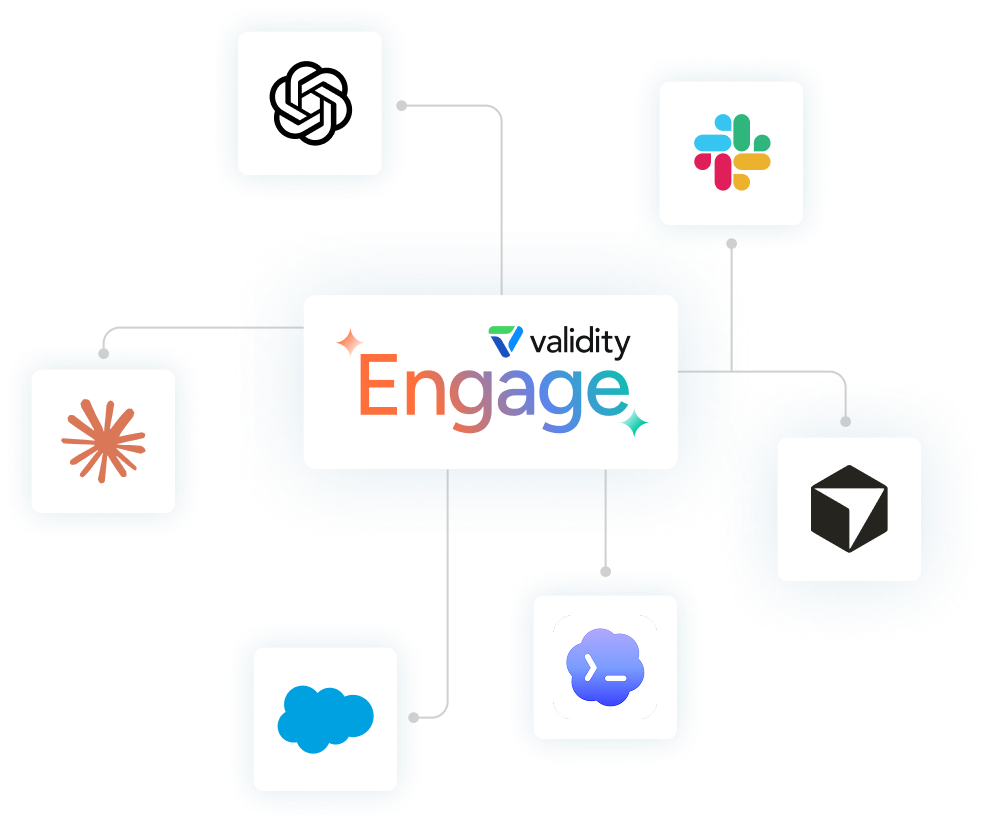
Connect Engage to Claude, ChatGPT, or any AI assistant that supports remote MCP with OAuth. Your assistant draws on your Engage data alongside every other system it’s connected to, so a single question can span campaign results, customer behavior, and email performance.
Try Asking
- "How has deliverability looked for [brand] over the last 30 days?"
- "What are the brands I track sending right now?"
How It Works
- Add Validity Engage as a connector in your assistant.
- Sign in to Engage and choose your account.
- Authorize access and start asking.
Ask Engage a question without leaving Slack. Answers draw on your Monitoring and Market Intelligence data and arrive in the thread. The app is read-only, so it never changes anything in your account.
Where to ask
- Message @ValidityEngage directly for a private answer.
- Mention @ValidityEngage in a channel to ask in front of your team.
How it works
- One person installs the app. If they aren’t a Slack admin, an admin approves the request.
- Everyone else signs into Engage once to link their own account.
- Ask in a direct message or mention @ValidityEngage in any channel you've invited it to.
FAQs
Claude, ChatGPT, Codex, and Cursor connect through the Engage MCP connector.
Model Context Protocol is the standard that lets AI assistants connect to outside tools and data. The Engage connector uses it to give your assistant access to your Engage insights.